
Settings & branding
Logo, colors, and exactly what guests see on the queue — table numbers, ranks, requester names, all optional.
Host guide
No venue account, no approval to wait on, no app for your guests to install. This is everything you need to run a night on LEMP — from signing up to closing out at the end of the evening.
Part 1
Three steps, start to finish — you don't need a venue, a booking, or anyone's approval.
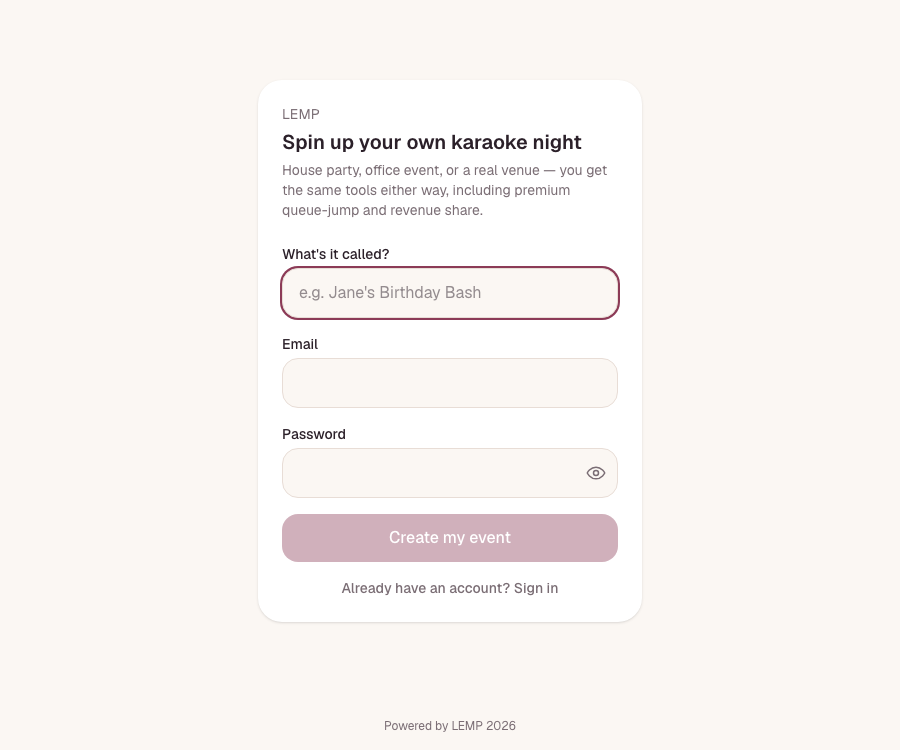
Go to karaoke.lemphq.com/host-signup and fill in three things:
Tap Create my event and you're done with this part.
We'll send a link titled "Confirm your LEMP event." Click it within 24 hours to activate your account — after that it expires and you'd need to sign up again.
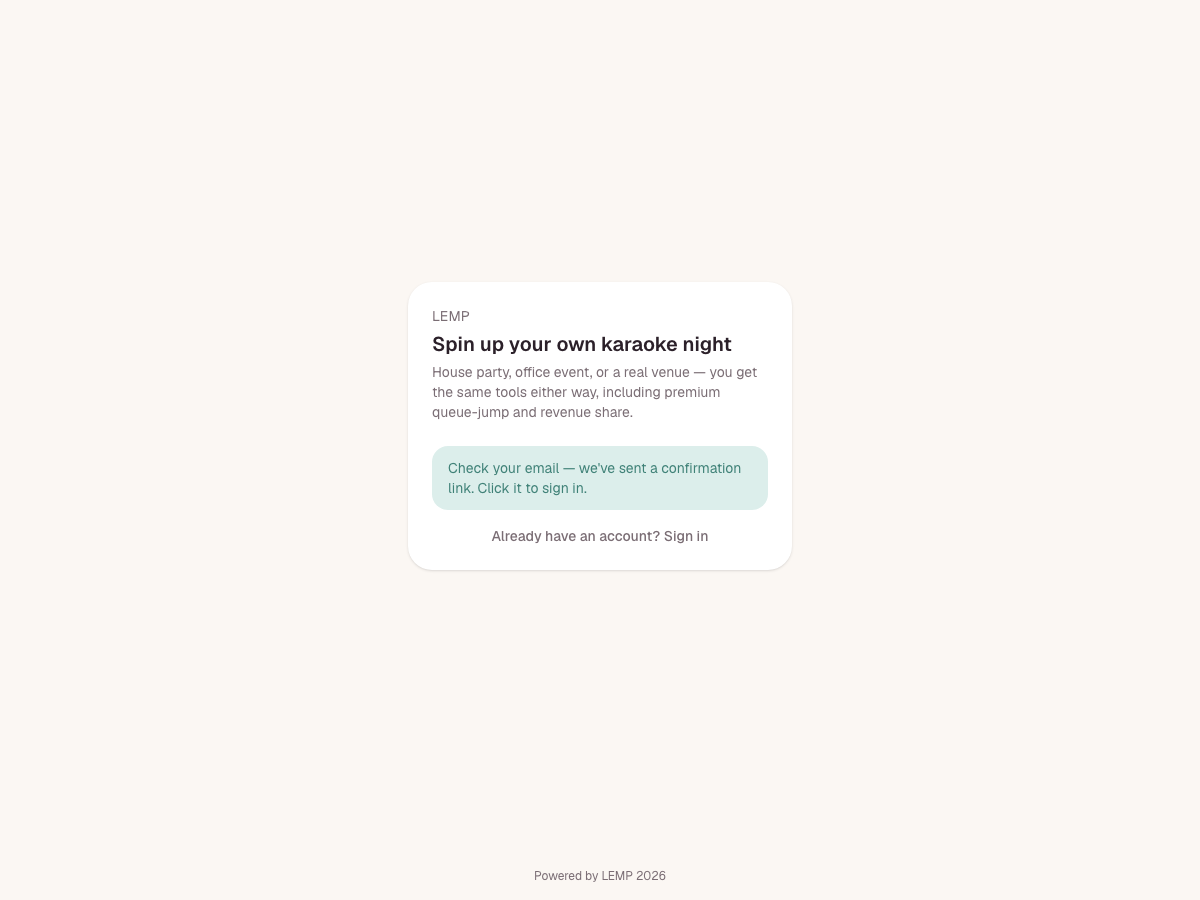
Check spam first. If it's genuinely not there, just sign up again with the same email — it'll quietly replace the old link.
Clicking the link logs you straight in — no separate password step. You'll land on your dashboard with the exact same toolkit a full venue gets: song catalog, settings and branding, premium queue-jump with revenue share, reports, and an audit log. Nothing is held back for a one-night event.
Part 2
Everything on the night happens from one screen — your dashboard.
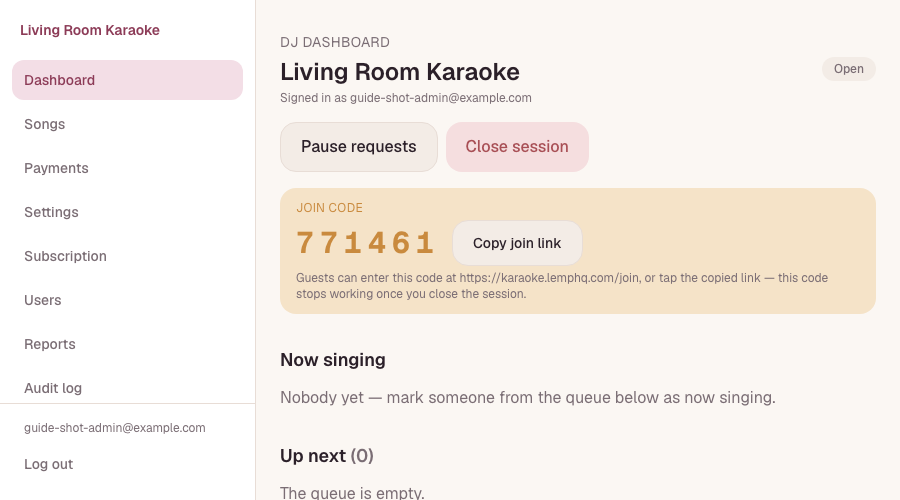
When you're ready to start, hit Open session. This is what actually lets guests request songs — nothing works until a session is open, and closing it later shuts requests off again.
The moment your session opens, a 6-digit join code appears — good for this event only. Read it out, or tap Copy join link to send a URL that gets people straight in without typing anything.
By default, guests can only request songs already in your catalog — and a fresh event starts with an empty one. If you haven't uploaded songs, turn off Settings → Queue controls → "Require picking from the song catalog" so guests can type any title and artist freely.
Approve, promote, reorder, or skip requests as they come in — the queue updates live for everyone watching, no refresh needed. Use Pause requests if you need a break without ending the event; guests already in line stay put.
When the night's over, hit Close session. The join code stops working immediately — nobody can use it to sneak into a future event. Starting again later (even the next weekend) just means opening a new session, which hands you a brand new code.
Part 3
No account, no app, no download — just a browser.
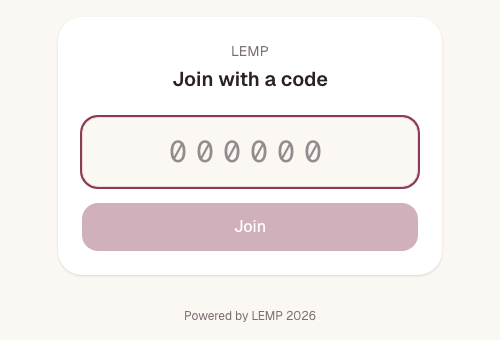
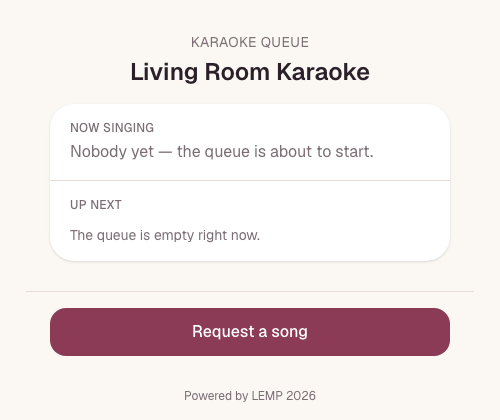
They go to karaoke.lemphq.com/join, type your 6-digit code, and land straight on your event's queue — or, if they tapped your copied link, they skip the typing entirely and land there directly.
Part 4
The same toolkit as any LEMP venue — nothing is a scaled-down version for one-off events.
Logo, colors, and exactly what guests see on the queue — table numbers, ranks, requester names, all optional.
Upload a CSV in advance, or let guests type freeform requests — your call, from Settings.
Let guests pay to skip the line, with your share of the revenue tracked and settled automatically.
Every request and every action on the night, timestamped — useful even for a single event.
Bring in a co-host or DJ with their own sign-in under Users, if you don't want to run the queue solo.
Every new event starts on a free trial — no card required to run your first night.
FAQ
No. Sign in at karaoke.lemphq.com/login with the email and password from your first signup, then open a new session whenever you're ready — you'll get a fresh join code each time.
The join code stops resolving immediately — anyone who tries it after that gets a "code is invalid or the event has ended" message. Your event and its history stay put; only the code and the ability to request songs are switched off.
Yes — add them under Users in your dashboard. They'll get their own sign-in with the same queue controls you have.
Running the queue itself is free to start. The only money involved is optional — if you turn on premium queue-jump, guests can choose to pay to skip ahead, and you keep a share of that automatically.
Links are single-use and expire after 24 hours. Just go back to karaoke.lemphq.com/host-signup and sign up again with the same email — the new link will work.
Ready when you are
No booking, no approval, no card required to start. Sign up, open a session, and share your code.
Running a bar or venue instead? Talk to us about the full setup.